

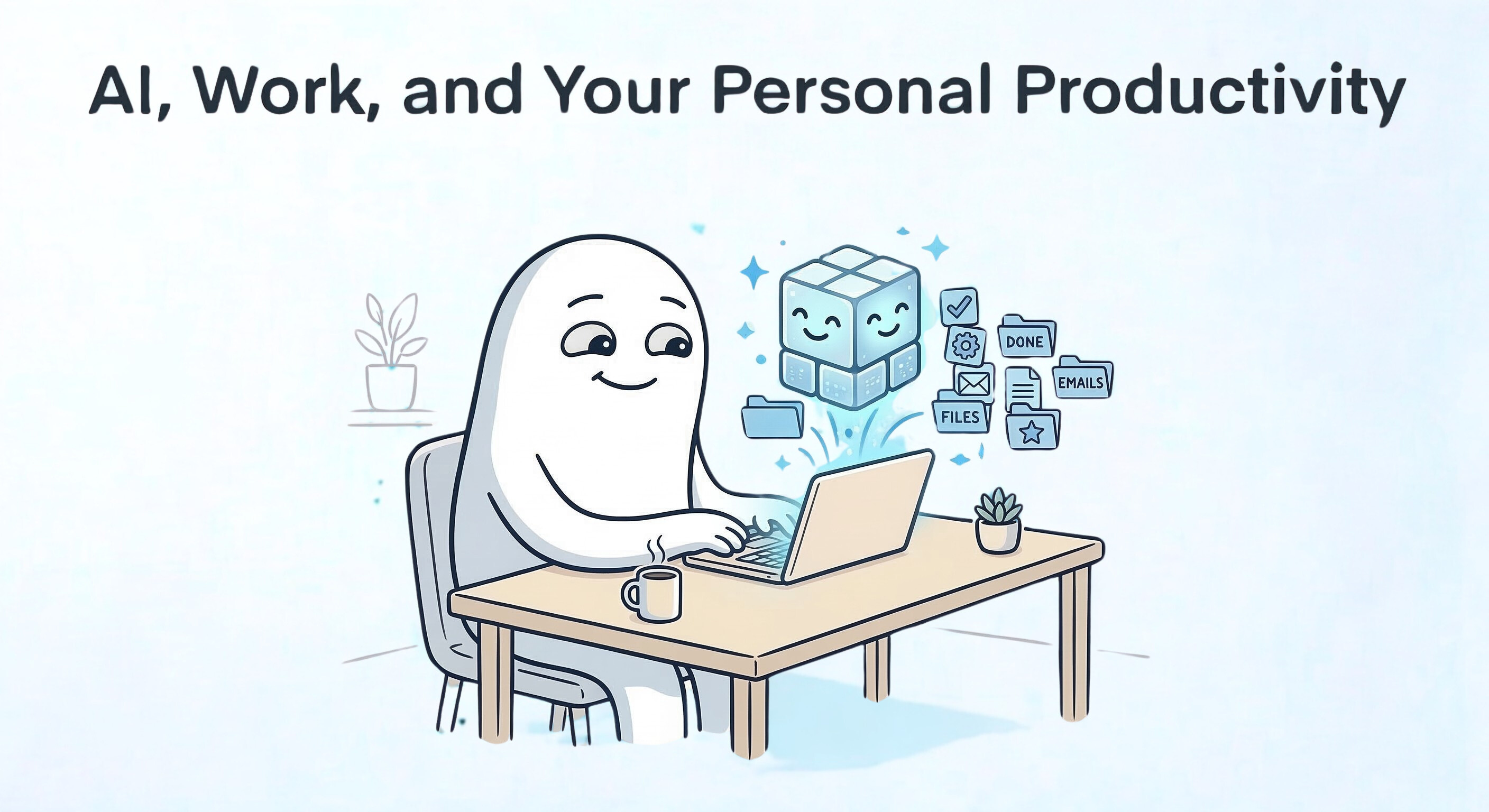
Artificial intelligence is already changing the way we work. You can hear it in the hallway conversations at conferences, inside companies experimenting with new tools, and around kitchen tables where people are trying to figure out what this all means for their jobs. I wanted to capture my thoughts and suggestions at the present moment, knowing that I don’t know the future but that there are some things we can do to control the here-and-now.
Some people are enthusiastic; others are uneasy. Most of us sit somewhere in between.
That reaction is understandable as the technology advances at break-neck speeds and the nature of work shifts quickly. Some tasks will disappear while others change shape. Entirely new roles will appear that didn’t exist a year ago. When you look at the amount of money flowing into AI infrastructure and research right now, it is hard not to wonder what the labor market will look like five or ten years from now.
Certain professions are feeling the pressure earlier than others. Writers, designers, photographers, videographers, and parts of legal and administrative work are already seeing automation creep into daily tasks. If you were pushed toward freelance or project-based work over the past two decades, AI can feel like one more force squeezing the middle of the market.
But there is another way to look at it.
From a personal productivity perspective, AI is less a looming threat and more a new capability. Tools change work all the time. The people who benefit most are usually the ones who learn how to use the tools early.
In my experience, two habits matter here:
Upskilling: deepening the skills you already use in your current role or profession.
Reskilling: learning new skills that allow you to shift roles, industries, or opportunities if circumstances change.
People who practice both tend to handle technological shifts better. They have options. And optionality is powerful.
There is also a common misunderstanding about automation that shows up whenever a new technology appears. It’s known as the “doorman fallacy.” The simplified version of the story says that automatic doors were invented and the doorman’s role was made obsolete. But, you know intuitively that’s hardly the reality.
When technology automates part of a job, it usually evolves instead of vanishing. Expectations change (i.e., the doorman keeps the riff-raff from entering the building, signs for and keeps packages safe, and helps residents into the elevator and into their homes when they’ve had a little too much to drink). These new responsibilities grow around the new tool, or the tool simply doesn’t have the capability of satisfying all the expectations set by humans doing the work. Notwithstanding, we know that the people who learn how to work with technology stay valuable. The people who ignore it tend to struggle.
AI will reshape the job market. Some displacement will happen and it deserves serious attention. At the same time, many professionals will discover that AI expands what they can do rather than replacing them.
Productivity Assistant
In everyday work, AI is often most helpful as a practical assistant. In my workshops and seminars, I have used the analogy of a million interns to describe what our AI assistants are today. These million interns, while incredibly capable of churning out a vast amount of work, come with the predictable limitations of inexperience and some advantages we can capitalize on.
They lack the real-world context and life experiences that allow a mature worker to anticipate needs and apply critical judgment. As a result, they require extensive direction and copious amounts of information to complete tasks and projects effectively. They are also prone to taking directions very literally, often missing the subtle nuances and unstated expectations that seasoned professionals inherently understand. They will also lie readily to please you and avoid getting in trouble when they’ve made mistakes (which some call “hallucination” or “confabulation”).
On the positive side, their stamina is virtually endless, powered by the sheer number of them and perhaps an endless supply of Red Bull, er, processing power in the cloud, meaning they can produce an output volume that you simply cannot match.
A large share of knowledge work involves what I think of as repeatable creative output: proposals, reports, client emails, marketing copy, meeting summaries, and standard operating procedures. These tasks require thinking, but they also follow familiar patterns that your million interns can learn and do.
Most professionals are not truly starting from scratch when they write these. They are usually rewriting versions of things they have written before.
With clear instructions and a few prompts you trust, you can produce a first draft quickly. I keep a set of well-structured “master prompts” in a notes database for repeated use. Others build custom assistants, such as custom GPTs, Gemini Gems or Claude Projects, trained on their tone and formatting preferences.
The goal is not to let AI finish the work. It’s to eliminate starting from a blank page.
Consider a simple example. A small business owner preparing a proposal.
Traditionally they might write the narrative, assemble the scope of work, outline a timeline, draft deliverables, design visuals, revise the language, and then package everything into a PDF. Then, they’ll need to write an email and attach the PDF to ship off to a potential client. None of those steps are individually difficult, but together they take time.
With a good template and a prompt library, much of that early structure appears quickly. Sections get drafted, visual ideas emerge, and the outline forms faster.
When the draft appears faster, you gain time to improve it. The value in production is in the editing and refining process. Otherwise, every rock would be a masterpiece of sculpture, right?
With the speed of production, you can also make additions to your proposal submissions to give you a competitive advantage. You could draft a short executive overview a client can skim alongside the full proposal. You might record a quick audio explanation, so clients can easily digest the most important points you want them to know about the benefits and features of working with you on this project. Or, you can produce a simple explainer document your contact can share internally to sell the project to the decisionmakers.
Those small additions often make the difference between a proposal that gets read and one that actually moves forward.
Slowing Down to Speed Up
I want to take an aside to air the great challenge of using AI for enhanced personal productivity. Inherently, like with training a million interns, it will take you considerable time and dedicated effort to resource, onboard, train, and meticulously work out workflow and integration issues with an AI system before it operates effectively and efficiently enough that you will truly realize a net gain in productivity.
This initial investment phase is crucial and non-negotiable. It encompasses everything from setting up the necessary technological infrastructure and defining clear parameters for the AI’s tasks to developing customized training data specific to your professional context, and then iteratively refining the AI’s outputs and your interaction protocols to maximize its utility and minimize errors or redundancies. Rushing this process will almost certainly lead to frustration, rework, and a failure to capitalize on the AI’s potential, ultimately making it a drain on resources rather than an accelerator of work.
And like interns generally, they’re gone after a while. Technology is changing rapidly, so you need to future-proof your work with AI by making sure that your systems are well-documented. That way, when tools and workflow features and automations within these AI tools change, you have a resilient system in place to, as Dr. Spencer Johnson popularized, “move with the cheese.”
Brainstorming and Planning Partner
Brainstorming sounds creative, but most of the time it is really planning.
When professionals think through a project, they are usually asking problem-solving questions like:
What is the core problem we’re trying to solve?
What should I do first?
What obstacles might appear?
What assumptions am I making right now?
What would success actually look like?
AI can help during this stage because it responds quickly enough to let you explore different directions without waiting.
You can talk through an idea as if you were explaining it to a colleague. Describe the goal. Explain the constraints. Ask the system to point out risks or blind spots.
The answers will not always be perfect, and that’s fine. The real benefit is that the conversation forces you to make your thinking explicit. Your work is doing the hard thinking work while the AI supports you by keeping you on track and capturing your solutions.
One technique I like is scenario planning. Instead of committing to a single plan immediately, explore the three likelihoods: an optimistic (possible) outcome, a realistic (plausible) one, and a pessimistic (probable) one. Then ask what obstacles might appear in each case and how you might respond.
By the time you finish that exercise, the plan is usually clearer and fewer surprises appear later.
For you, someone who’s interested in personal productivity, that matters. Clear thinking early in a project prevents a lot of downstream mistakes or work later.
AI as a Data Analyst
Many productivity problems are actually clarity problems.
If the numbers are confusing, it becomes difficult to decide what to do next. If the prose is dense and voluminous, your brain shuts down from overwhelm.
Historically professionals relied on dashboards that combined information from different systems such as marketing analytics, website traffic, email reports, and financial statements. Those dashboards still matter, but AI adds a different way to interact with the same information.
Instead of only reading reports, you can ask them questions.
One useful workflow is exporting reports or datasets and loading them into a system that can analyze documents together. One of my favorites is Google NotebookLM, which is designed for this type of work. NotebookLM is an implementation of RAG (retrieval-augmented generation), which enables LLMs (in this case Google Gemini) to be more accurate by grounding it’s responses very tightly to the source materials you give to it.
Once the information lives in one place, you can ask questions such as:
Which marketing campaigns produced the strongest results?
Where did conversions drop?
Which email subject lines performed best?
What patterns appear across different channels?
You can also combine operational and financial data. Uploading QuickBooks reports alongside marketing analytics, for example, can reveal how activity connects to revenue. I frequently ask clients to review their financial data alongside their marketing data to create the themes for their content calendars. This was a chore that’s now a quick process thanks to NotebookLM.
Setting this up takes a little work. You have to gather reports and decide what belongs in the system. But once the structure exists, the value grows over time. Each new dataset improves the analysis.
Productivity Coach
As a Digital Productivity Coach, I’m genuinely not fearful of being replaced anytime soon. I’m actually quite excited to see the practical use of AI simply talking you through your work.
I can’t be there 24/7 with my clients as they’re working. Plus, there’s a point where coaching and support becomes learned helplessness. I seek my clients to always have personal agency. So, within reason, AI can help by being there when it’s too late to call or text your coach, they’re unavailable because they’re on vacation or sick, or similar situations.
This current cohort of AI tools support voice interaction like never before. That means you can perform a mind sweep by speaking out loud while the system captures what you say.
From there you can ask the AI to help organize the material. Again and again, if needed.
The process mirrors the workflow used in many productivity systems:
Capture what has your attention.
Clarify what each item means.
Organize the results into a system you trust.
One advantage is patience. The AI does not get tired of listening to your voice or your meandering. You can ramble. Restart sentences. You can cut it off and circle back to an idea you mentioned earlier. The system will pleasantly respond and continue to structure the results.
You can also give it specific instructions. Ask it to format output for your task manager. Ask it to group related items into projects. Ask it to identify things that require decisions rather than actions.
Momentum is often the hardest part of productivity. When work feels messy or overwhelming, a short conversation with an AI tool can function a bit like a lightweight coaching session. 95% of the work is getting started; have the AI chat with you as you get started, asking what you’re doing as you get under way. It does not replace human judgment, but it can help you get traction.
Tutor and Learning Partner
AI is increasingly becoming a valuable learning partner.
Continuous upskilling and reskilling are now the norm, not one-time events, for most professionals throughout their careers.
AI can support this ongoing process in very practical ways.
You can ask it to design a study schedule, suggest resources, create practice exercises, or test you on the material you’re trying to learn. If you’re confused by something, you can request an alternative explanation without worrying about holding up a class. This includes being able to take photos of your work product, screen-sharing what you’re trying to understand, or simply explaining it in language as best as you can. It can take disparate inputs from you and do the sense-making to help you understand better.
A language learner can run short conversations. Someone studying for a certification can rehearse potential scenarios. A person new to a field can repeatedly test their grasp of core concepts.
Using the language learning example, understand that you will need multiple tools to get the job done. You may need one tool to do conversational practice, another to create sentence diagrams or verb conjugation flashcards, and yet another for quizzing you on today’s vocabulary. Don’t hesitate to use the right tools for the work to be done, while also not going overboard with dozens of tools when only a few can suffice.
A highly effective strategy is setting up a dedicated study space for your topic. Upload your notes, readings, and summaries to one environment and instruct the AI to generate a learning plan with the tools you’re going to use, produce a testing schedule, and set milestones for learning progress.
The result is essentially a patient, always-available private tutor.
In Closing
Throughout this discussion, we have explored the practical and immediate value of AI as a suite of powerful capabilities—serving as your Productivity Assistant, Brainstorming Partner, Data Analyst, Productivity Coach, and Tutor.
While the media conversation often centers on the promise of advanced, agentic systems that coordinate multi-step workflows, that future is still in its early stages. In my humble opinion, critical questions around reliability, privacy, and security remain unresolved in many environments, which will take technology companies time to address. I think some of these issues will be solved in the coming year.
In the meantime, the greatest productivity gains for most professionals lie in combining two approaches. First, older, stable automation tools, such as Zapier, IFTTT, and even text expansion software, continue to connect systems and reduce friction, delivering enormous leverage. Second, Generative AI helps inside those systems by drafting, summarizing, classifying, and refining information.
Used together, this dual approach allows individuals and teams to produce better work with less wasted effort, more control, and less maintenance. That, in my view, is where the real productivity gains are happening.
The foundational advice remains true: Upskill where you already operate and Reskill when opportunities shift. Treat AI not as a replacement for your value, but as a tool that dramatically expands what you can produce.
I’m sure I’ll come back to this topic often as the technology changes and strategies to take better advantage of it become clearer.
Great article! Right now, I'm using AI as a productivity partner, tutor, and data analyst. I don't have (or maybe just haven't identified) a standard operating procedure for my daily life. I no longer write newsletters or run marketing campaigns, but I do find daily admin for my volunteer roles and general life to take up a lot of time. I'm not sure how I can best use AI.